Screen Mapper — After Effects
Multi-screen displays and bento grids, built in seconds.
Screen Mapper is an After Effects extension for laying out multi-screen displays and bento grids visually. Design your template in the panel, hit export, and Screen Mapper builds the master comp, precomps, names and labels for you — positioned exactly where you put them.
Key features
What's in the panel.
- Design, save and export your own Screen Mapper canvases
- Responsive toolbar for quickly modifying displays and building scenes
- Grids, gutters, guides, rulers and snapping
- Import reference images and scale displays to match
- Checkerboard preset for previewing pixel maps
- Keyboard shortcuts (US & UK layouts)
- Quickly build bento design grids
Complete takeovers
Design displays that fill the room.
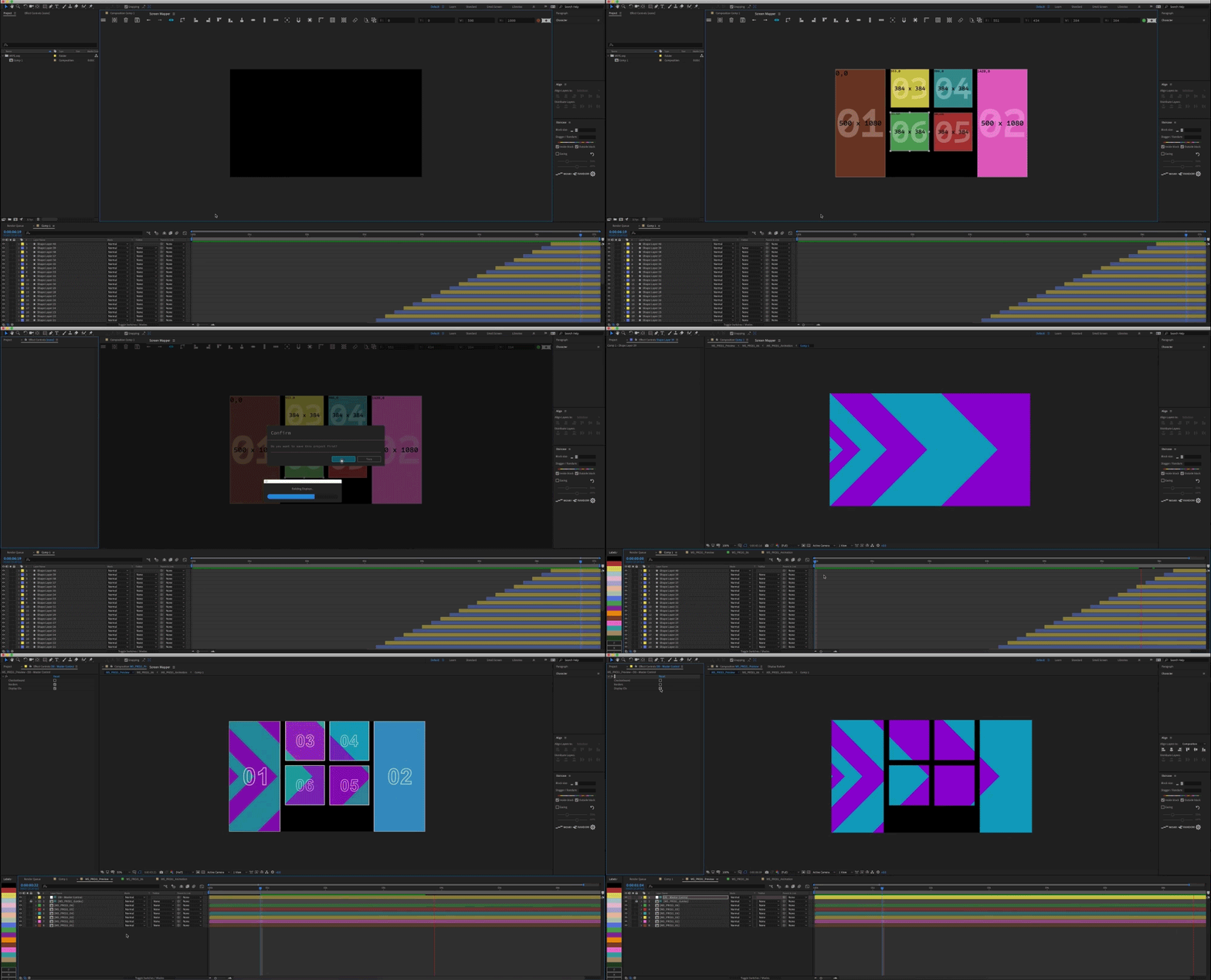
From a single hero screen to a wall of tiles — lay it out in Screen Mapper, then let it build your compositions.
Build. Save. Share.
Design once, hand it off.
Save your templates for reuse, or export them as a file to share with your team. Working with someone else's layout? Import theirs and go.
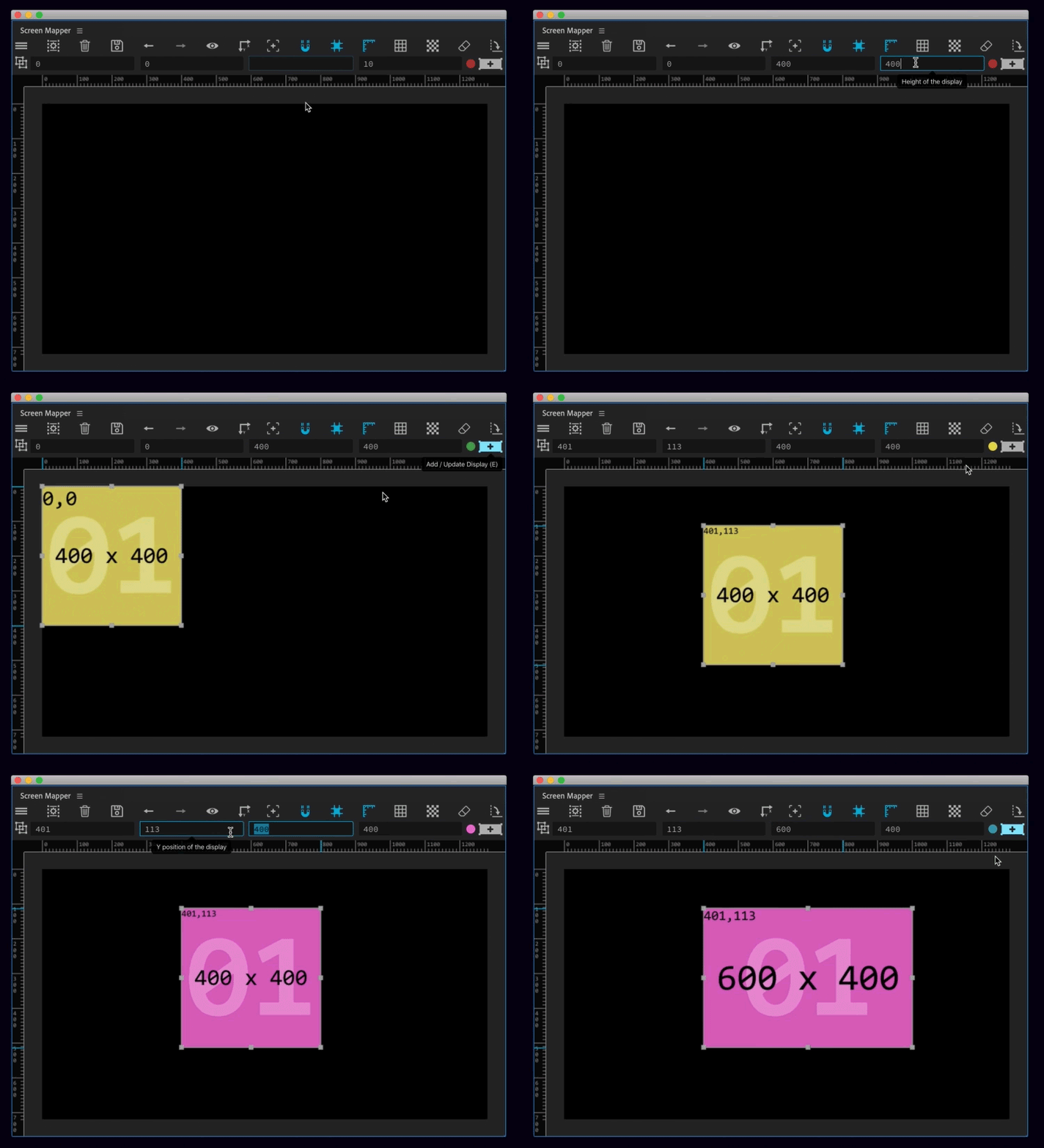
The Screen Mapper interface has been designed to feel as if you’re working right within your Composition window — rulers, grids, panning, zooming, all keyboard-shortcutted.
Export
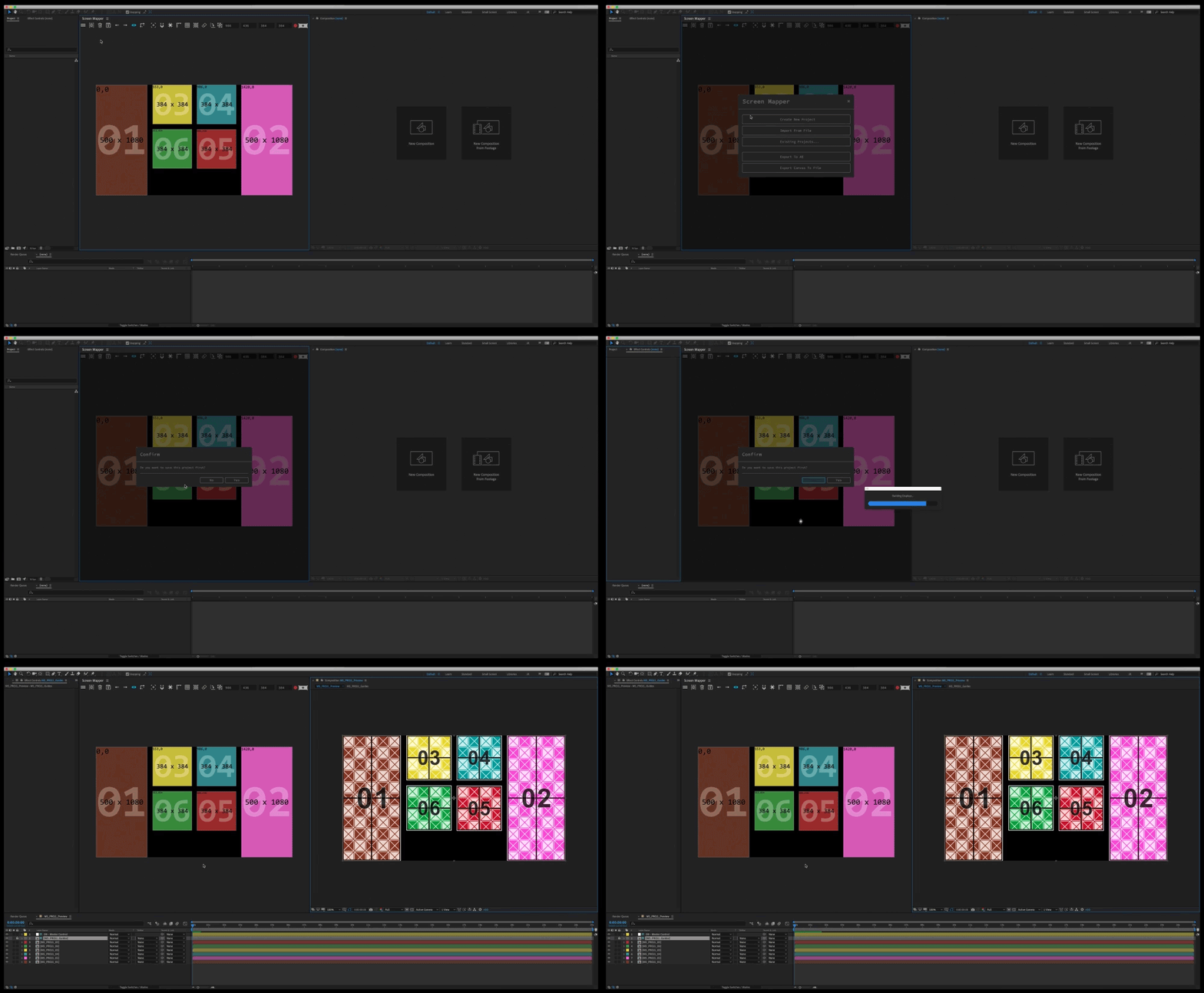
One click to a build-ready AE project.
When you're finished, export to After Effects and watch the master comp, precomps, names and labels drop into place — automatically.
Working the canvas
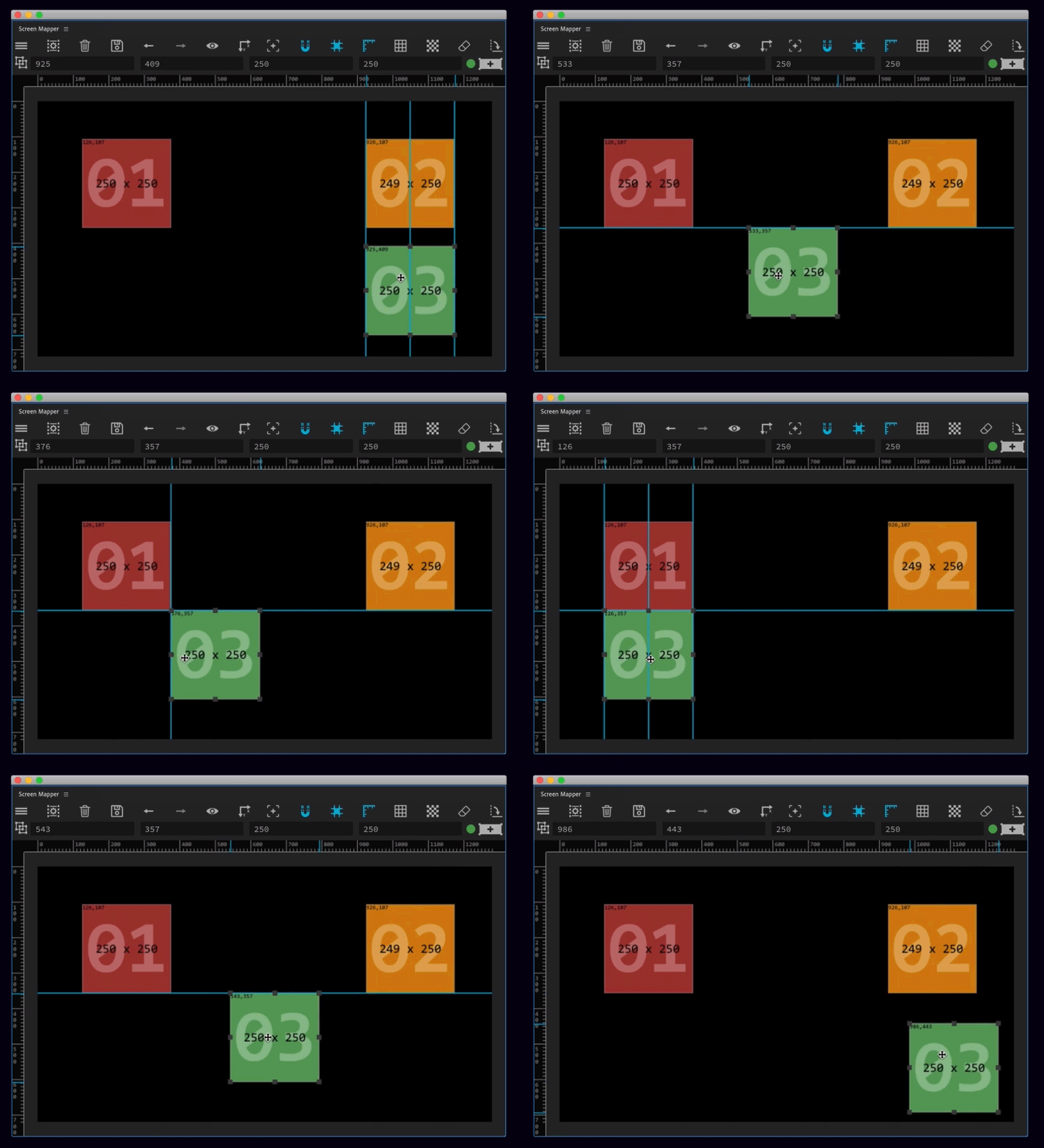
Grids, guides, gutters, snapping
Pixel-perfect by default.
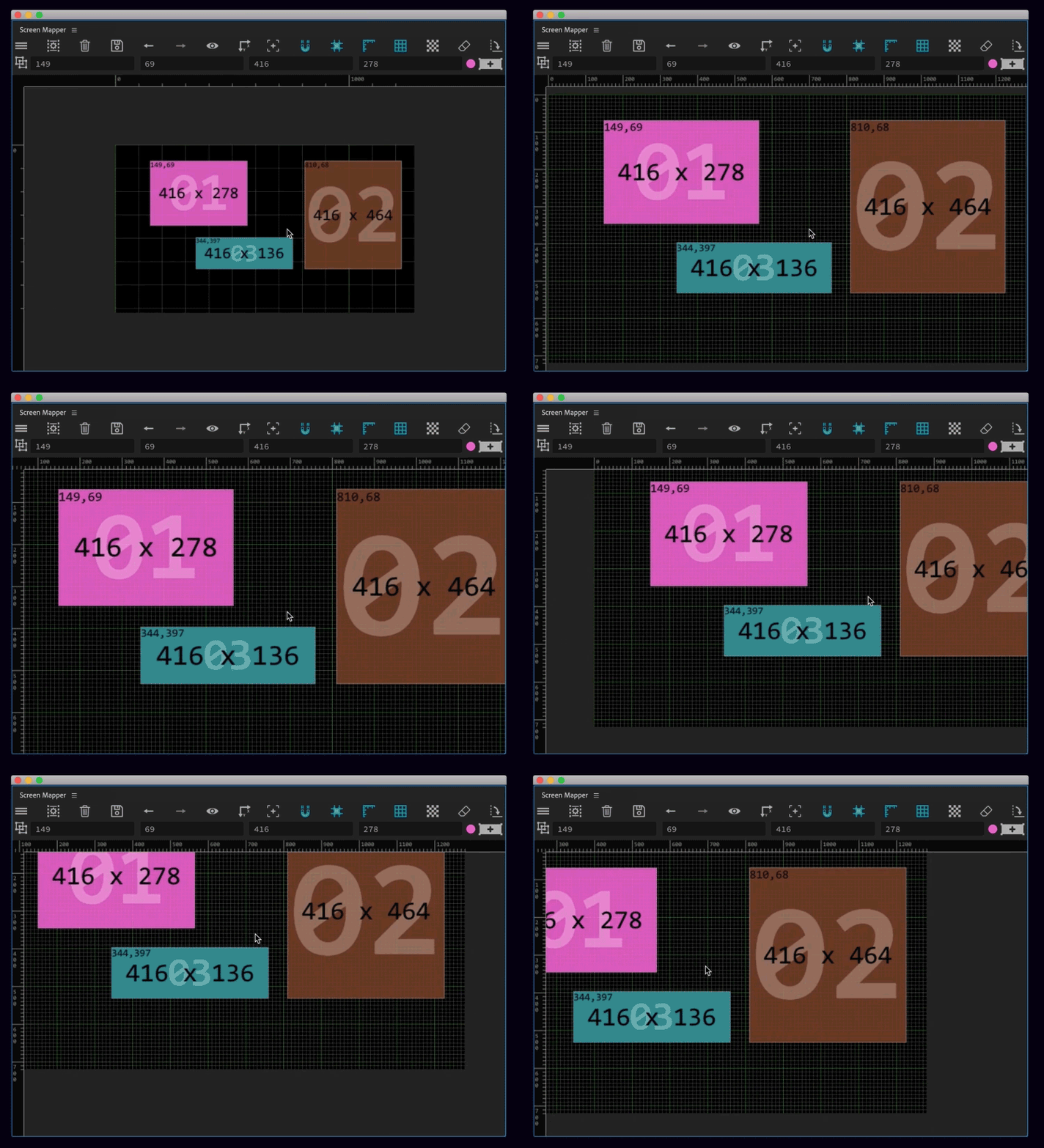
Rulers and grids for measurement. Snapping for accuracy. Guides that show you exactly which display you're aligned to. Gutters to account for the bevels between real-world screens.
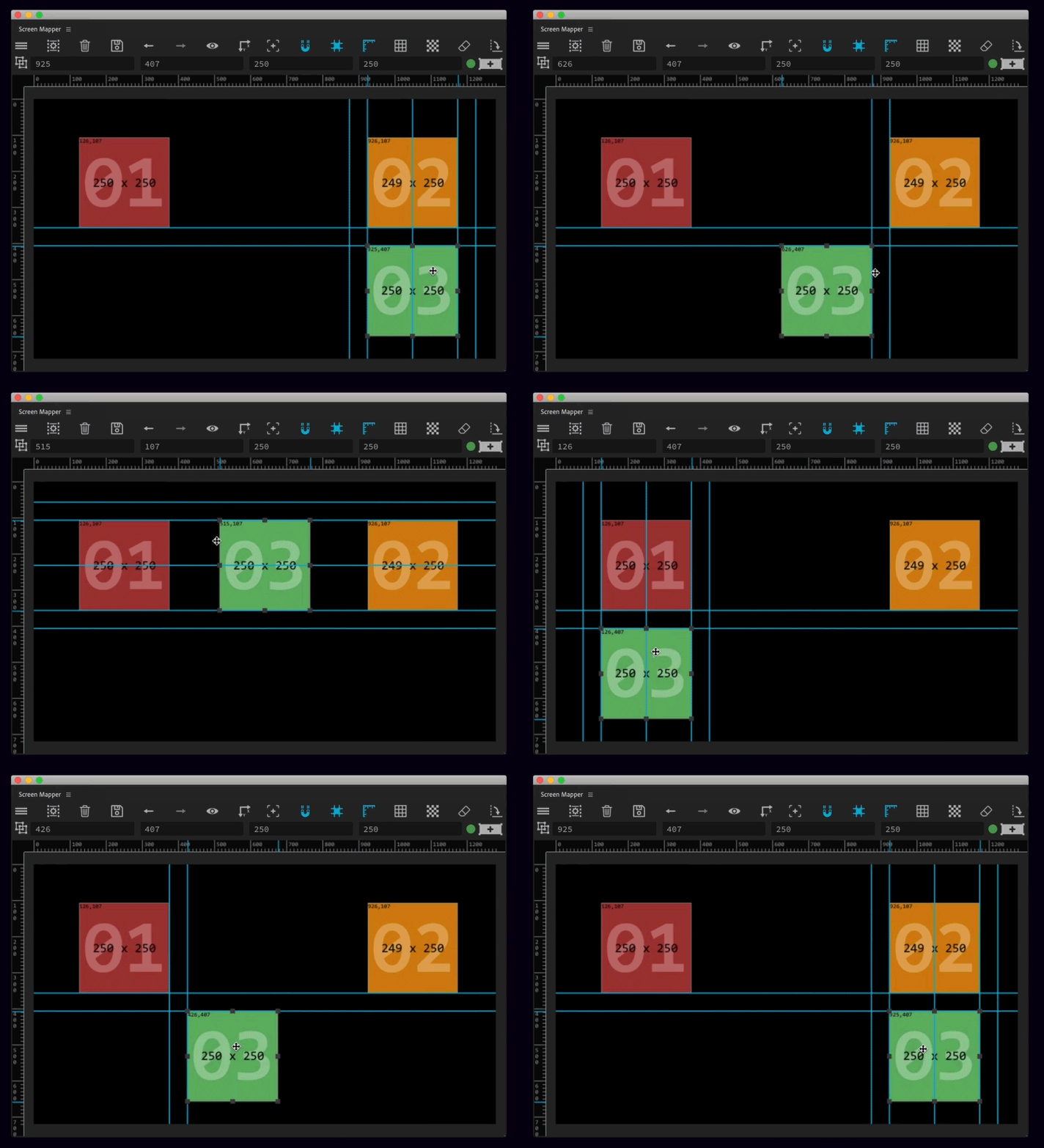
Using a reference photo of the venue? Import images up to 10,000 px and scale the canvas to a true 1:1 ratio. Canvases go up to 30,000 px — After Effects’ own comp limit.
Bento
Bento grids in a beat.
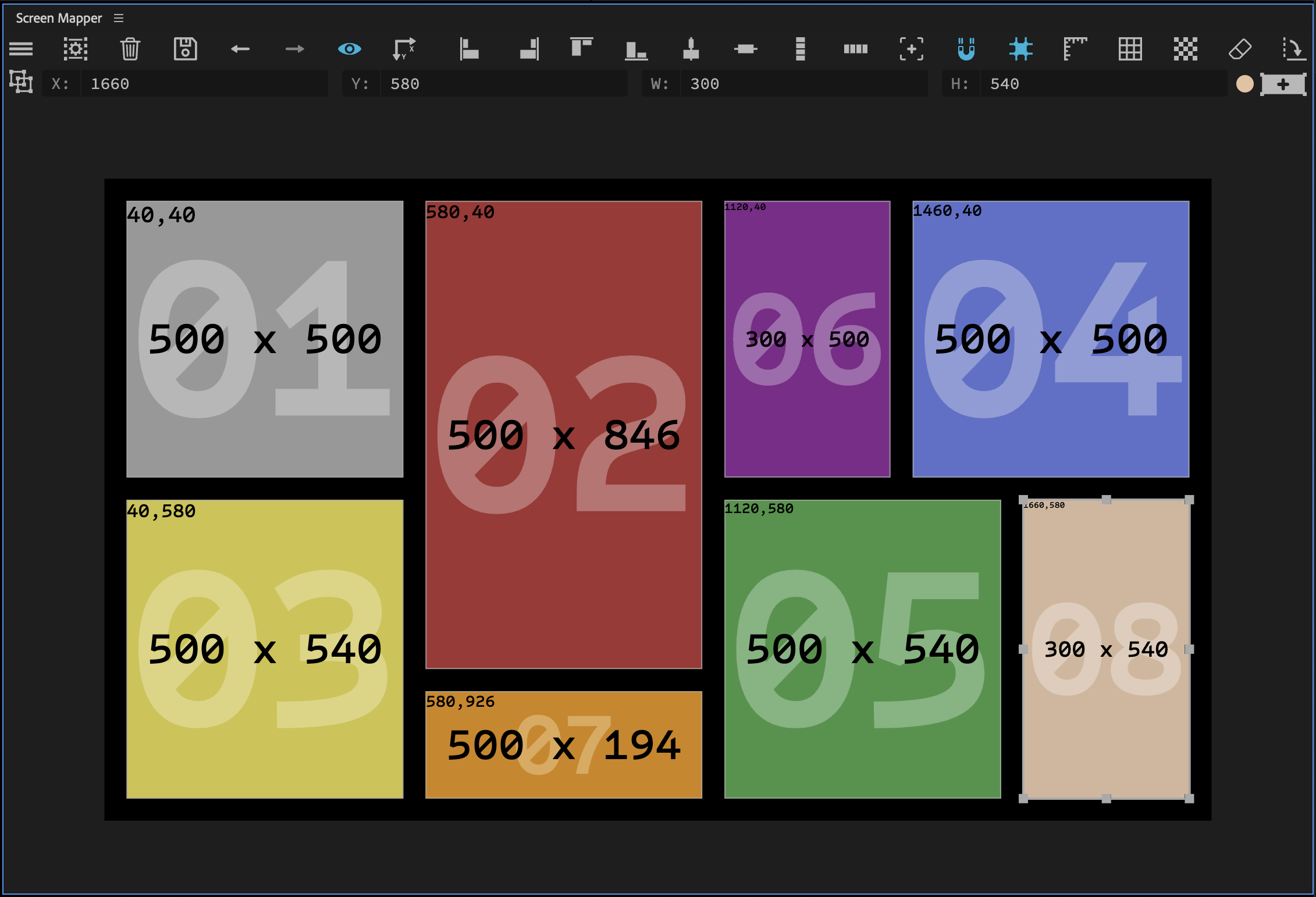
Snap out a full bento layout from a single control — perfect for social edits and multi-panel loops.
Presets & shortcuts
Pixel-mapping presets, on tap.
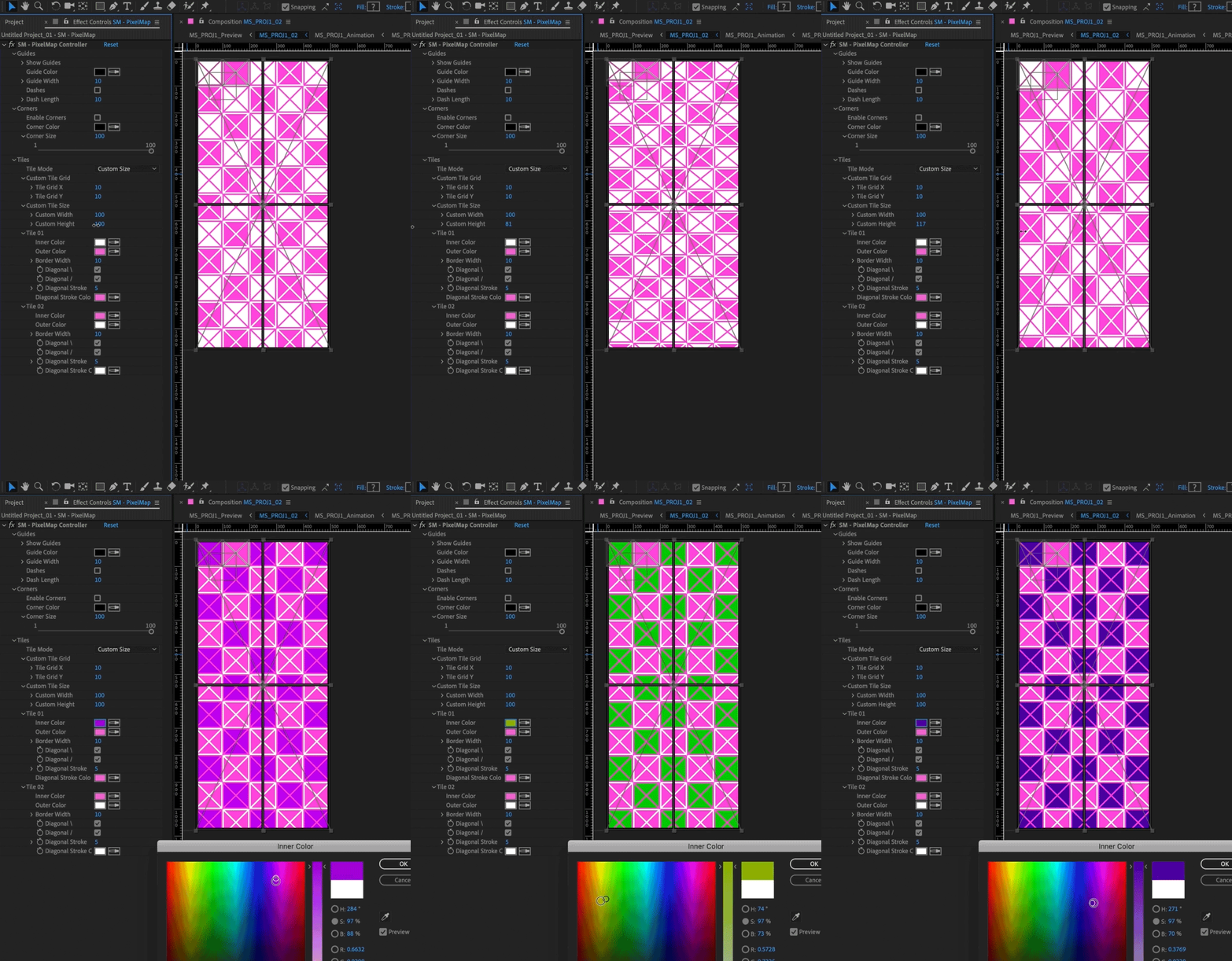
Add a preset pixel-mapping shape layer per display for previewing individual grids across your project. Perfect for tech-checking before an event. Keyboard shortcuts cover duplication, movement and every core action.
Toolbar
Every control, one row.
- Main menu
- Project menu
- Delete project
- Save · Undo · Redo
- Show / hide images
- Scale proportionally to images
- Reset canvas view
- Enable / disable snapping
- Enable / disable guides
- Enable / disable rulers
- Enable / disable grid
- Build grid of displays
- Delete display
- Rotate display
- Multi-display adjuster
- Change label colours
Compatibility
Screen Mapper works with After Effects CC 2017 and up, and supports multiple AE languages.
Measurement is in pixels. Save shortcut on Mac is Ctrl + S (extension quirk — Cmd+S doesn’t reliably work). Please check the trial before purchasing.
Trial
Trial limits
- Trial lasts 7 days
- Max canvas size: 1280×720
- Export limited to 5 displays
Stop laying out screens by hand.
Design the layout once. Screen Mapper builds the project.